
Selecting the xFusion software stack by layer and version
Separate device management, fleet operations, operating systems and workloads, then align licences, support and integration acceptance.
ExploreAssess your existing FusionServer, blade, high-density or KunLun platform before planning maintenance or migration. Identify the exact model and generation in the groups below, then review its configuration, lifecycle and application dependencies.
Prepare an enquiry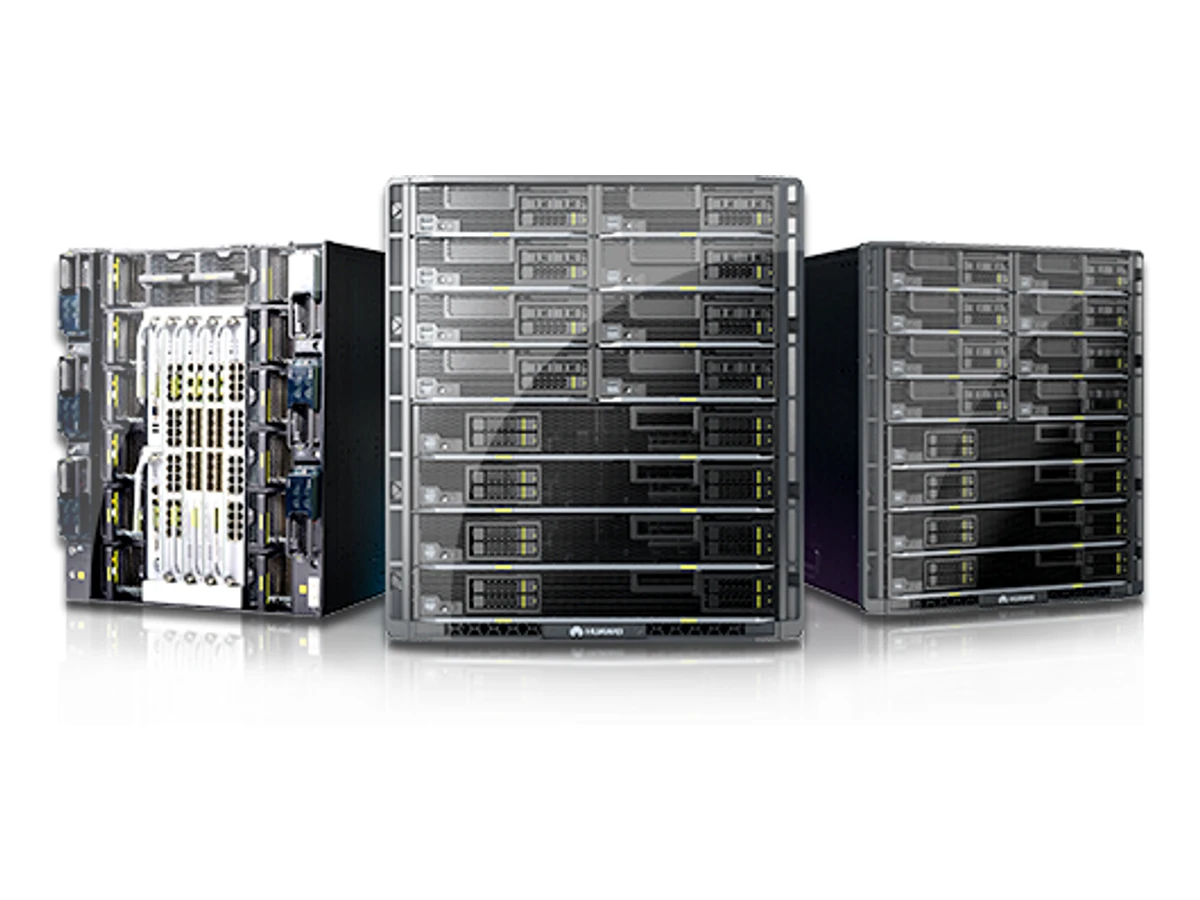
| Model | Applications | Key features |
|---|---|---|
| FusionCube BigData MachineManufacturer details ↗ | Data-platform identity and application dependencies. |
|
| 1288H V6; 2288H V6; 2288E V6; 2488H V6; 5288 V6; 5885H V6; 2288 V6Manufacturer details ↗ | V6 rack refresh: inventory the exact model and installed stack. |
|
| 1288H V5; 1288X V5; 2288H V5; 2288X V5; 2298 V5; 2488 V5; 2488H V5; 5288 V5; 5288X V5; 5885H V5; 2288C V5; 8100 V5; 2288 V5Manufacturer details ↗ | V5 rack migration: map controllers, adapters and software before replacement. |
|
| RH1288 V3; RH2288 V3; RH2288H V3; RH5885 V3; RH5885H V3; RH8100 V3; 5288 V3; N2000 V3; N2000H V3; RH5885 V3 (E7-4800 V2); RH5885 V3 (E7-4800 V3); RH5885 V3 (E7-4800 V4)Manufacturer details ↗ | V3 assessment with explicit CPU-generation identification. |
|
| G5500 V6; CX5200 V5; G530 V5; G560 V5; FusionServer G5500; G2500; G560; G5500 V6 - RDManufacturer details ↗ | Legacy accelerator assessment before an AI platform move. |
|
| X6000 V6; X6800 V5; X6000; X6800; XH321 V5; XH321L V5; XH620 V3; XH622 V3; XH628 V3; XH321 V3; XH310 V3; XH321 V6; XH321C V6; DH120C V6; DH140C V6; X6000 V3; X6000 V5; XH628 V5Manufacturer details ↗ | Chassis-and-node migration with shared infrastructure dependencies. |
|
| E9000; FusionServer LCS; CH121 V5; CH121L V5; CH221 V5; CH225 V5; CH242 V5; CH121 V3; CH121L V3; CH121H V3; CH140 V3; CH140L V3; CH220 V3; CH222 V3; CH225 V3; CH226 V3; CH242 V3; CH242 V3 (E7-4800/8800 V2); CH242 V3 (E7-4800/8800 V3/V4)Manufacturer details ↗ | Blade refresh with chassis, switch, mezzanine and management mapping. |
|
| KunLun 9008 V5; 9008; 9016; 9032Manufacturer details ↗ | Mission-critical migration with application and cabinet engineering. |
|
Separate device management, fleet operations, operating systems and workloads, then align licences, support and integration acceptance.
ExploreIdentify models and CPU variants, distinguish EOM from EOS, and build a staged migration for existing rack, blade and mission-critical systems.
ExploreCollect model labels, CPU generation, firmware, controllers, adapters, chassis and software versions. RH5885 V3 and CH242 V3 notices distinguish CPU variants; a family name alone is insufficient for a lifecycle decision.
EOM closes new and expansion orders; EOS is a separate service milestone. Selected V6 platforms have passed EOM, while later support dates may be planned. Use the exact notice and purchased support scope for each installed configuration.
Map virtual machines, databases, storage paths, network dependencies and recovery requirements. Blade and multi-node migrations also need chassis, switch and management planning. Agree a staged move, rollback and application acceptance before retiring the old system.
Send the installed-system inventory to scope identification, support review and a staged refresh.
Infrastructure, integration or software: start with the objective and the current situation.
Prepare an enquiry