
Planning an xFusion refresh around exact lifecycle dates
Identify models and CPU variants, distinguish EOM from EOS, and build a staged migration for existing rack, blade and mission-critical systems.
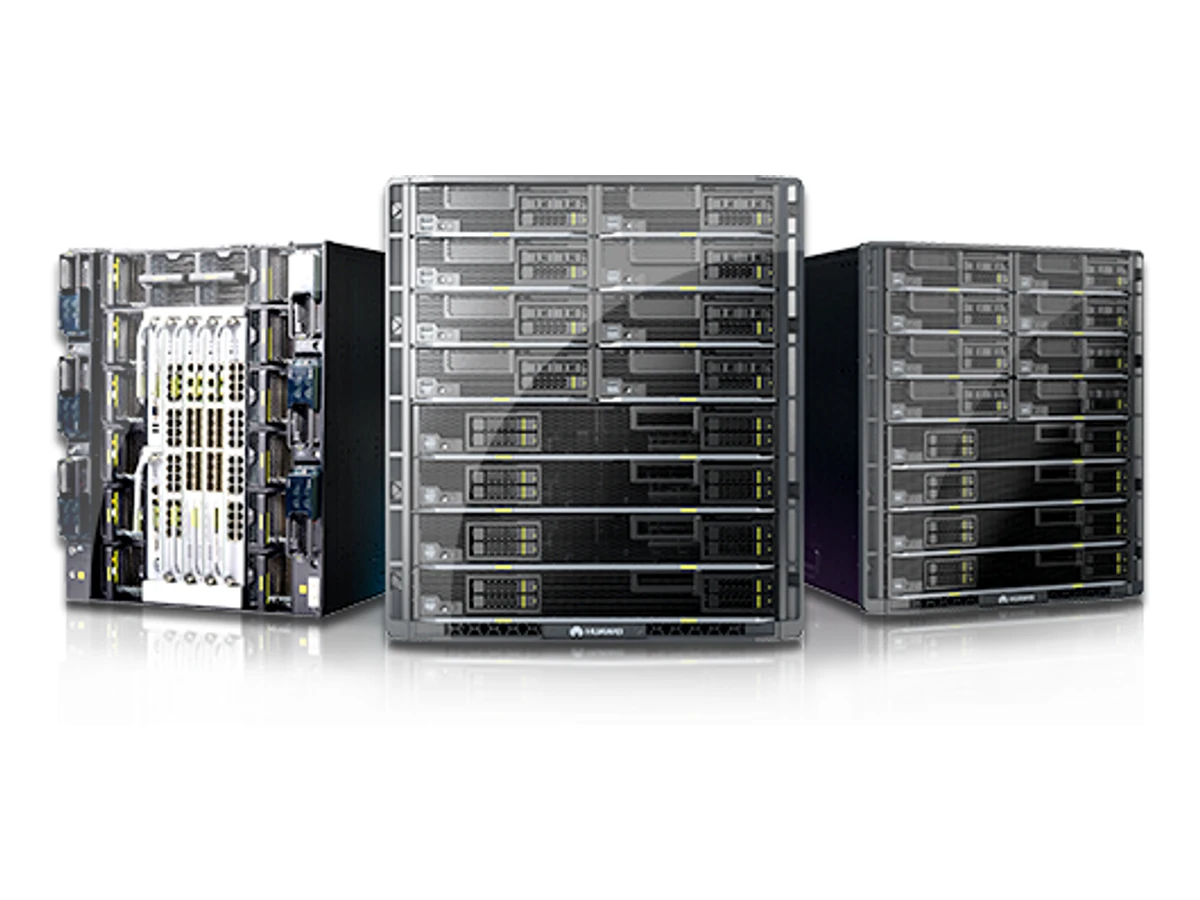
1. Identify more than the family name
Begin with model labels, serial and component inventory, CPU generation, firmware, storage controllers, adapters and installed software. Keep chassis and node identities separate in a multi-node or blade estate. Lifecycle notices can distinguish CPU variants within one familiar model name: RH5885 V3 has E7-4800 V2, V3 and V4 references, while CH242 V3 notices distinguish E7-4800/8800 variants. An inventory that only says “V3 server” cannot support a precise date or replacement decision. Record the application owner and business dependency alongside each system, not only the hardware count.
2. Separate order and support milestones
EOM is the end-of-marketing milestone: the manufacturer stops accepting new-site and capacity-expansion orders. EOFS and EOS describe later service stages, and some published dates are explicitly planned. Plan the order window and service period separately. Match the exact model, CPU variant and dates in the notice to the installed system, then review the purchased maintenance and software terms. Where a notice or support document is missing, resolve it before committing to retain, expand or replace the system. This gives each decision a defined order deadline and a separately confirmed service scope.
3. Plan around upcoming order deadlines
The following milestones are still in the future as of 7 November 2026. G5200 V7 and 2288 V7 have EOM dated 31 January 2027. G8600 V7, G5500 V7, 5885H V7, 2488H V7 and 2258H V7 have EOM dated 31 March 2027. FusionOne for VMware has EOM dated 31 December 2026. These dates define the remaining manufacturer order windows for new sites and expansion. Compare planned capacity additions with a refresh route, including licences and application dependencies. Confirm configuration and the ordering timetable for the enquiry; later service milestones and the purchased support scope remain separate planning inputs.
4. Plan transitions for platforms past EOM
2288E, 2488H, 5288 and 2288 V6, together with the specifically named G5500 V6-RD, passed EOM on 30 September 2025. 1288H and 2288H V6 passed EOM on 31 December 2025; their notice lists planned EOFS on 31 December 2028 and planned EOS on 31 December 2030. FusionOS 22 passed EOM on 30 December 2025, while FusionOne for Oracle, HANA and Azure Stack HCI passed EOM on 31 December 2025. Match each installed variant to its applicable notice and plan the application migration for that exact configuration.
5. Map the shared-system dependencies
E9000 and CH blades require a view of chassis, switching, mezzanine cards and management, not just compute capacity. X6000/X6800 estates need the chassis and node generations recorded together. KunLun migrations can involve cabinet engineering and critical application dependencies. Map storage paths, network identities, backup, database consistency and the recovery sequence before choosing replacement hardware. A smaller staged move may expose an overlooked dependency with less disruption than a single cutover. The assessment should identify the evidence still needed, including any component or software support boundary that cannot yet be confirmed.
6. Build a staged refresh brief
Send SOFCONS the exact inventory, application map, support documents and available change windows. Divide the work into identification, target design, pilot migration and controlled cutover. Define the rollback trigger, backup validation and application acceptance before moving production data. The final proposal should distinguish new equipment, migration work and confirmed support scope for retained systems. Establish spare-parts availability and manufacturer coverage for each platform you plan to retain. Use the table to agree which systems can wait, which need further information and which should enter the next refresh stage.
| Decision | Information to request | Acceptance |
|---|---|---|
| Retain and review | Exact notice and purchased support scope | Documented risk owner and review date |
| Pilot migration | Application dependencies and recovery copy | Measured application and restoration result |
| Controlled cutover | Change window, rollback and owner | Signed handover and retirement inventory |
Plan your IT infrastructure
Discuss server and platform selection for your applications, AI workloads and data center requirements.
Explore the technologies
- G5200 V7 ↗
- 2288 V7 ↗
- G8600 V7 ↗
- G5500 V7 ↗
- 5885H V7 ↗
- 2488H V7 ↗
- 2258H V7 ↗
- FusionOne for VMware ↗
- 1288H V6 ↗
- 2288H V6 ↗
- G5500 V6 - RD ↗
- FusionOS 22 ↗
- E9000 ↗
- X6000 V6 ↗
- 9008 V5 ↗
- Lifecycle notice · G8600 V7, G5500 V7, G5200 V7, 5885H V7, 2488H V7, 2288 V7, 2258H V7 ↗
- Lifecycle notice · FusionOne for VMware ↗
- Lifecycle notice · FusionOS 22 ↗
- Lifecycle notice · E9000 Chassis&CH121 V5&CH121L V5&CH242 V5 ↗
- Lifecycle notice · 9008 V5, CX5200 V5, X6000 V6, XH321 V6, XH321C V6, 5885H V6 ↗
- Lifecycle notice · 8100 V5 ↗
- Lifecycle notice · RH8100 V3, RH5885H V3, RH5885 V3 ↗
- Lifecycle notice · RH5885 V3 ↗
- Lifecycle notice · CH242 V3 ↗
- 1288H V6 — technical document ↗
- G5200 V7 — technical document ↗
- 2288 V7 — technical document ↗
- G8600 V7 — technical document ↗
- G5500 V7 — technical document ↗
- 5885H V7 — technical document ↗
- 2488H V7 — technical document ↗
- 2258H V7 — technical document ↗
- 2488H V6 — technical document ↗
- 5288 V6 — technical document ↗
- 2288H V6 — technical document ↗
- FusionOS 22 — technical document ↗
- Lifecycle notice · FusionOne for Oracle, FusionOne for HANA, FusionOne for Azure Stack HCI ↗
- X6000 V6 — technical document ↗
- 9008 V5 — technical document ↗
Putting it into practice
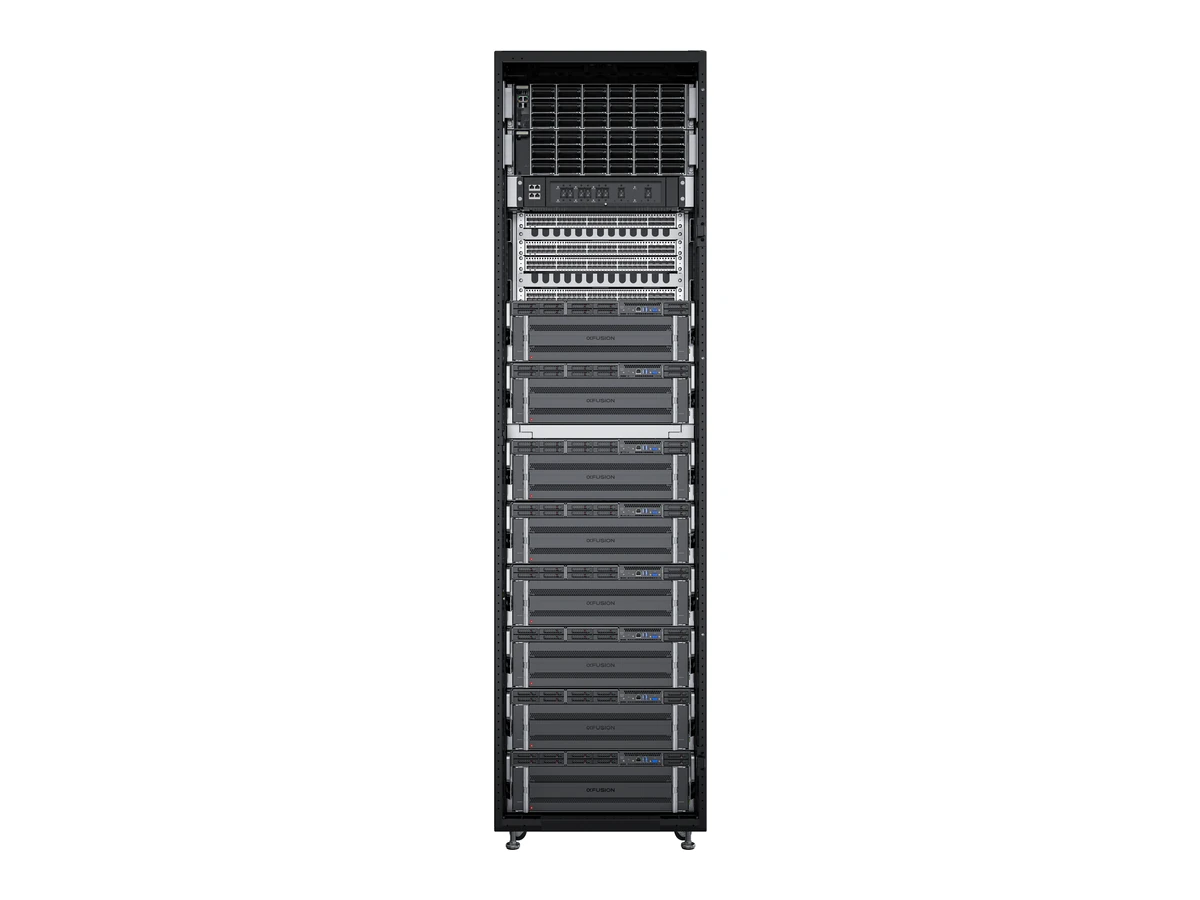
Reconciling an xFusion rack, power and cooling design
Match the exact server, FusionPoD revision, power shelf and facility loop before committing a rack-scale configuration.
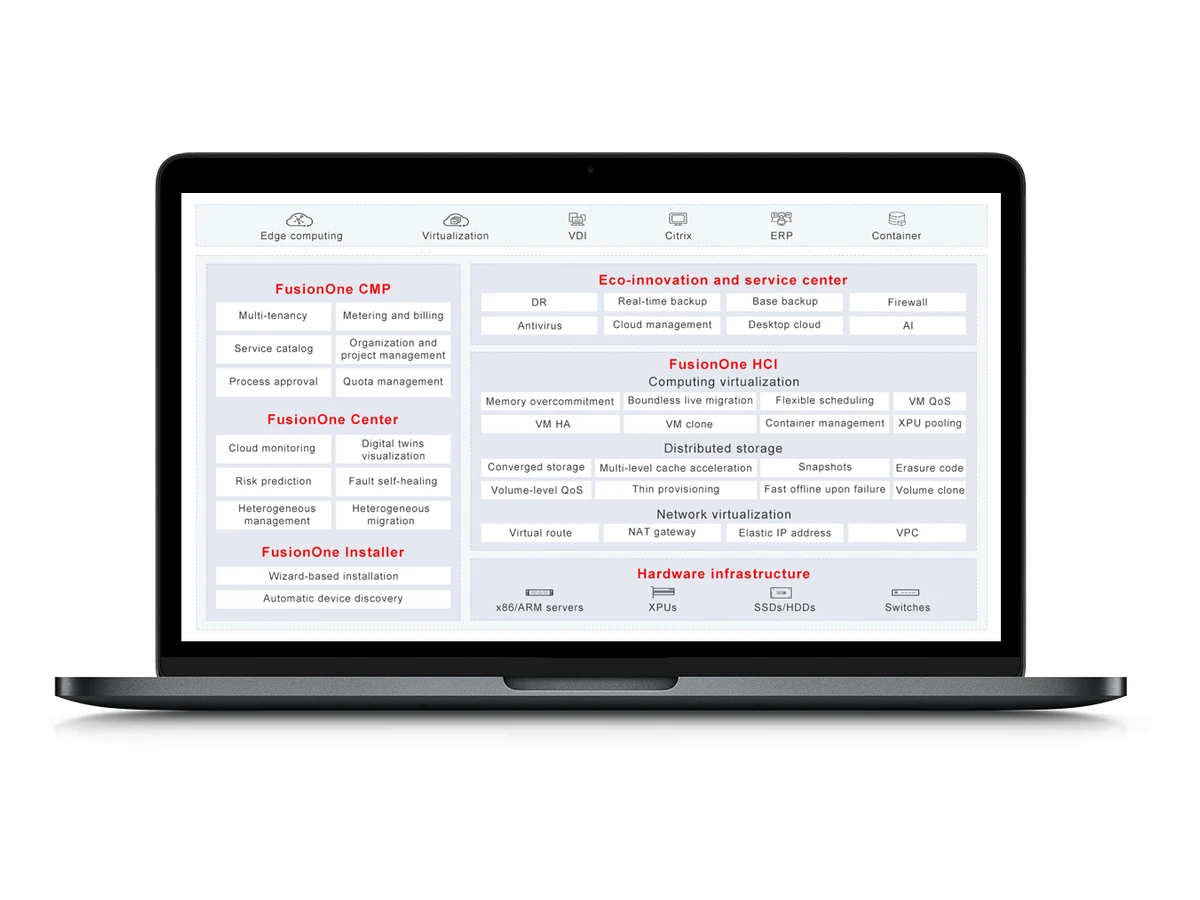
Selecting the xFusion software stack by layer and version
Separate device management, fleet operations, operating systems and workloads, then align licences, support and integration acceptance.